

Spring 2026 Updates
- Multi-experiment quests — bundle multiple jsPsych experiments in one quest with defined ordering
- Improved experiment editor — Monaco code editor with live preview and media uploads (images, audio, video)
- Mobile experiment runner — participants can now complete experiments in the Fusion mobile app
- Organizations — group quests under teams with 18 granular permissions and shared billing
- Billing & credits — transparent per-action pricing, credit transfers between orgs
- Prolific compatibility — use quest URLs directly as Prolific study URLs; participant IDs are captured automatically
- Onboarding flows — full-text consent overviews, question guards to screen participants, kiosk mode for shared devices
- Conditional prompt notifications — trigger prompts based on answers to previous prompts or onboarding questions
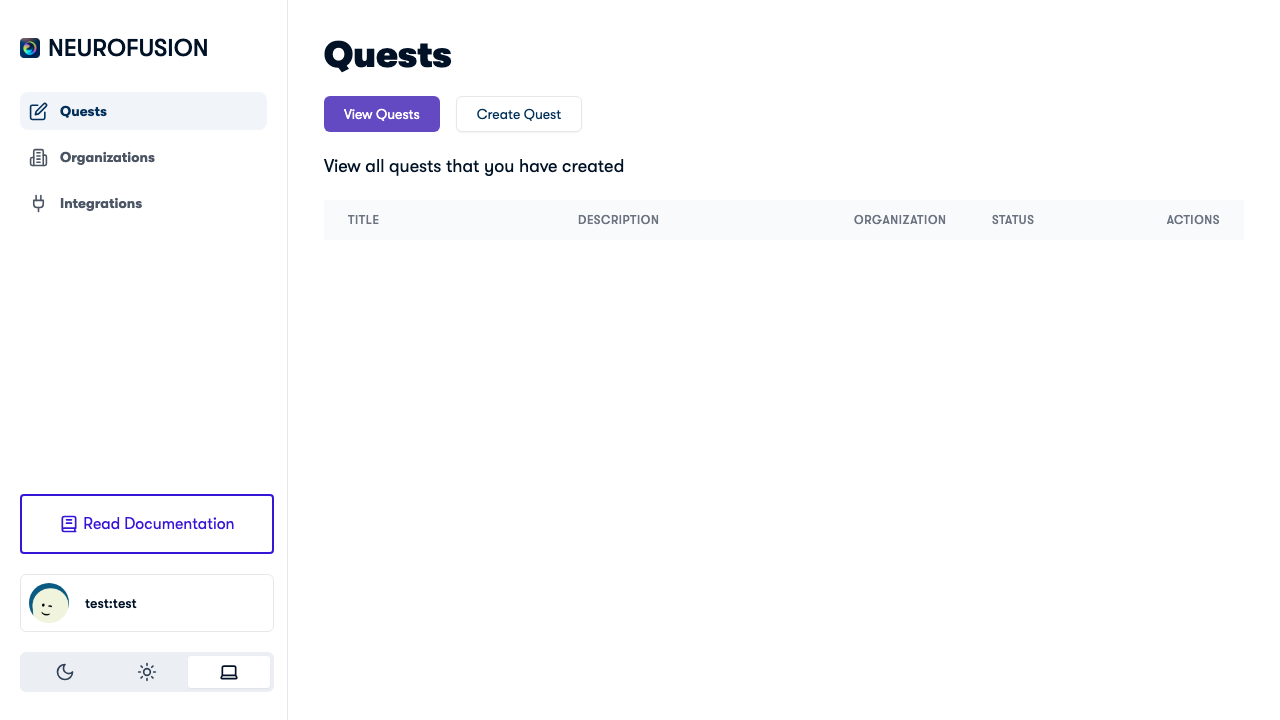
The NeuroFusion dashboard showing the Quests page
How to Get Started
- Sign up at usefusion.ai and create your account
- Create or join an Organization to manage your team, quests, and billing
- Create a Quest — add prompts for recurring data collection and experiments for interactive tasks
- Configure Onboarding — set up consent overviews and eligibility screening with question guards
- Publish & share — send the quest link directly, via QR code, or use it as a Prolific study URL
- Monitor — track participant responses, billing, and data in your org dashboard
Explore the Docs
Quickstart
Go from sign-up to your first published quest in 5 minutes.
Quests
Understand quests — the containers for your prompts, experiments, and onboarding.
Prompts
Configure recurring questions with scheduling, response types, and categories.
Onboarding & Consent
Set up consent flows, eligibility screening, and question guards.
Experiments
Build jsPsych experiments with the code editor, upload media, and run on mobile.
Organizations
Create teams with granular permissions and shared billing.
Billing & Credits
Purchase credits, track expenses, and fund collaborator organizations.
Integrations
Connect with Prolific, EEG brain interfaces, and wearable devices.