

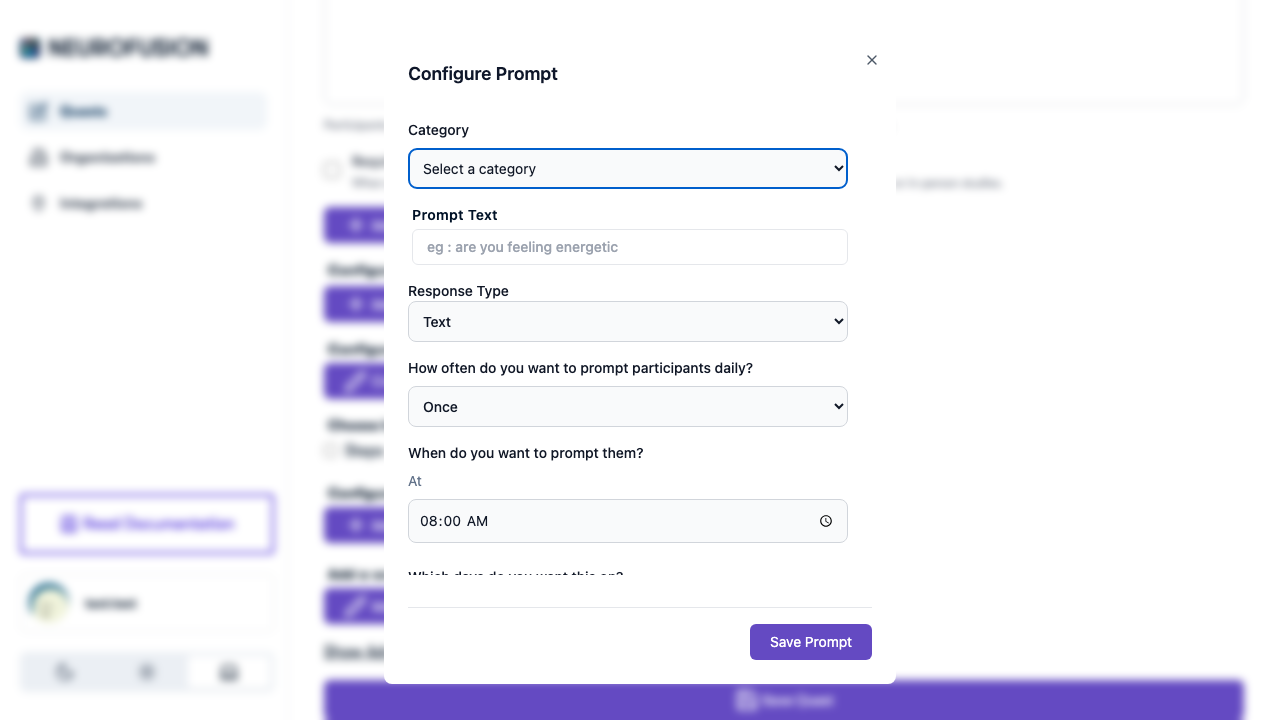
Each prompt requires a response type that determines how participants answer the question. There are 5 types available.
Yes/No
| |
|---|
| Type value | yesno |
| UI | Two radio buttons: “Yes” and “No” |
| Best for | Binary screening, daily check-ins, habit tracking |
Example: “Did you exercise today?” → Yes / No
Text
| |
|---|
| Type value | text |
| UI | Free-form text input field |
| Best for | Open-ended reflections, journaling, qualitative data |
Example: “Describe your mood in a few words.” → (free text)
Number
| |
|---|
| Type value | number |
| UI | Numeric input field |
| Best for | Counts, measurements, single numeric ratings |
Example: “How many cups of coffee did you drink today?” → 3
Number Range
| |
|---|
| Type value | numberRange |
| UI | Numeric input with configurable min/max bounds |
| Best for | Likert scales, pain scales, mood ratings, bounded measurements |
| Defaults | min = 0, max = 10 |
Example: “Rate your stress level (1–10):” → 7
Configuring the Range
- Min — the lowest value participants can enter (default:
0)
- Max — the highest value participants can enter (default:
10)
- Validation: min must be less than max
Use Number Range instead of plain Number when you want to constrain participant responses to a bounded scale (e.g., 1–5 Likert, 0–100 VAS).
Custom Options
| |
|---|
| Type value | customOptions |
| UI | Radio buttons (single select) or checkboxes (multi-select) |
| Best for | Categorical data, multiple choice, forced-choice paradigms |
Example: “How would you describe your sleep quality?” → Poor; Fair; Good; Excellent
Configuring Custom Options
- Enter options as a semicolon-separated list — e.g.,
Poor;Fair;Good;Excellent
- “Allow multiple responses” toggle:
- ON (single only = true) → participants pick one option (radio buttons)
- OFF (single only = false) → participants can pick multiple options (checkboxes)
Options are separated by semicolons (;) in prompts. This is different from onboarding questions, which use commas.
Summary Table
| Type | UI Element | Configurable? | Example Use |
|---|
yesno | Radio: Yes/No | No | ”Did you meditate today?” |
text | Text input | No | ”How are you feeling?” |
number | Number input | No | ”Hours of sleep last night?” |
numberRange | Number input (bounded) | Min/Max | ”Rate your mood (1–10)“ |
customOptions | Radio or checkboxes | Options list, single/multi select | ”What did you eat? (select all)” |