

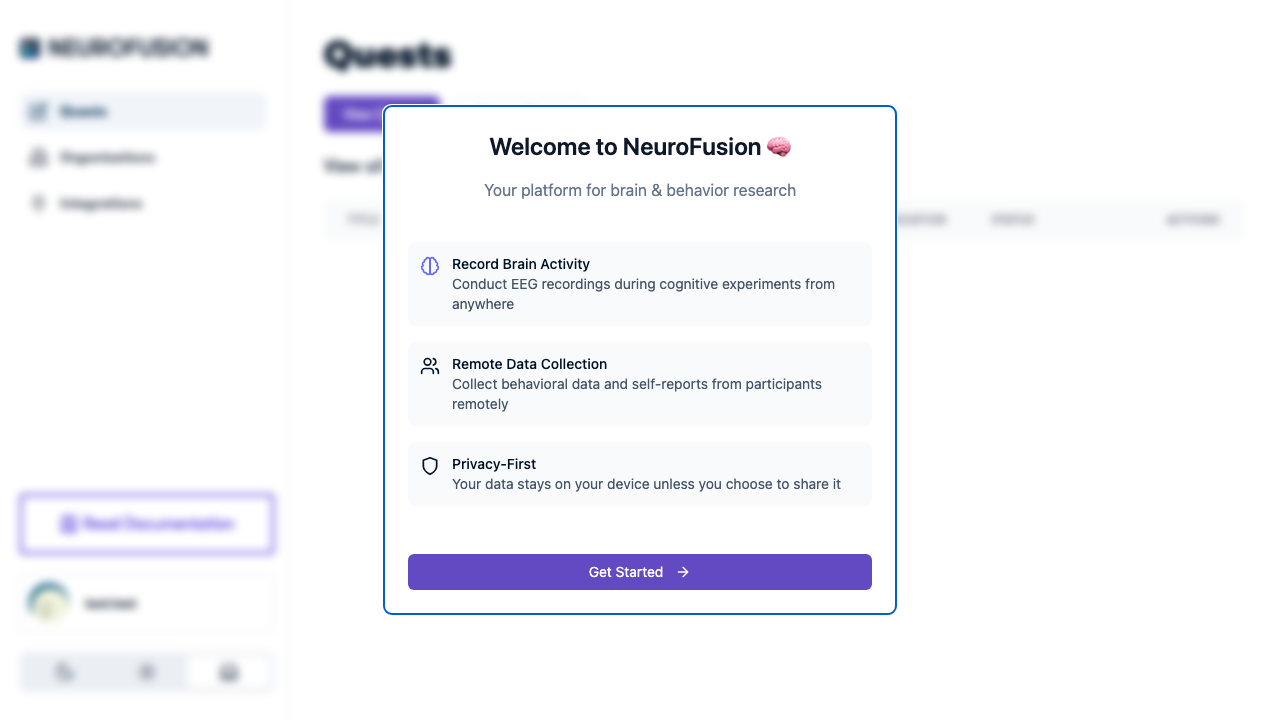
The Welcome dialog shown to new users when they first open NeuroFusion
Onboarding Flow
When a participant opens a quest URL, here’s what happens:Components
The onboarding system has four configurable components:
A quest can have none, one, or all of these configured. If neither the overview nor questions are set, participants join the quest directly.
Key Facts
- Onboarding responses are saved as a dataset with type
onboarding_responses - Onboarding responses are free — they are not billed
- Question guard validation is server-side — it cannot be bypassed
- Onboarding response types match prompt response types:
text,yesno,number,numberRange,customOptions - After onboarding passes, the participant joins the quest and appears in the participant roster for researcher operations
Explore
Full-Text Overview
Informed consent language shown before questions.
Questions
Screening questions with 5 response types.
Question Guards
Server-side eligibility validation rules.
Kiosk Mode
Re-show onboarding for shared devices.